Define the person
Use the character-lock framework to set the features and visual direction.
YOUR NEXT CREATOR STARTS HERE
Stop guessing and start creating. Build your AI creator once, as a recognizable character, then turn one idea into a feed that feels like it belongs together.
Works with Midjourney, Flux, Sora, Nano Banana and similar image generators.
$24.99 USD · One payment · Digital toolkit · No subscription
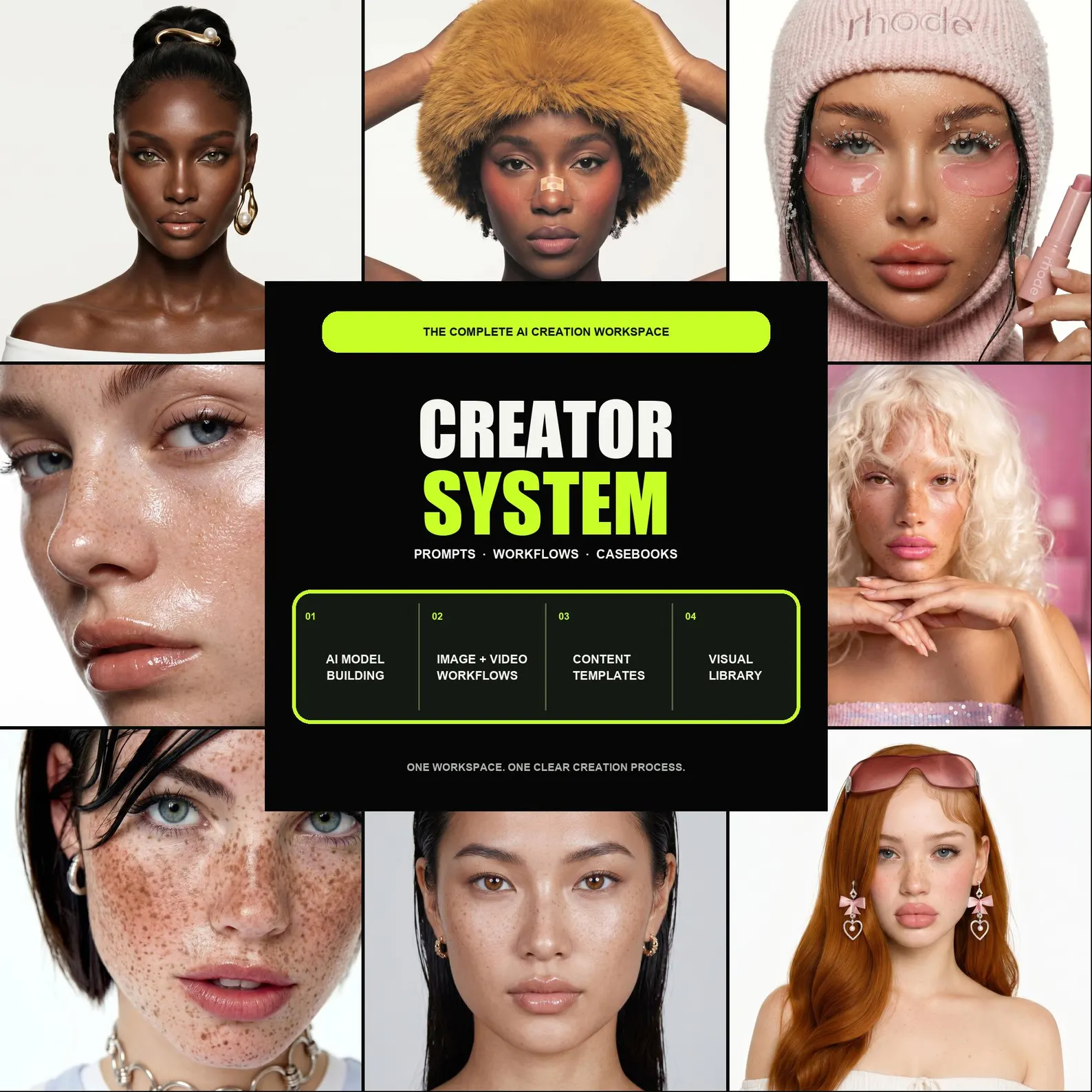
See the creative possibilities
Meet the visual world behind Nova Frame. Watch the preview, then explore every part of the creator system below.
Explore what you get ↗The real problem
You nail one image. Then the next prompt changes the face, the lighting, the entire feel. The missing piece is a repeatable process — so every scene builds on the last.
Character lock
Explore a character study across everyday scenes, expressions, and lighting.
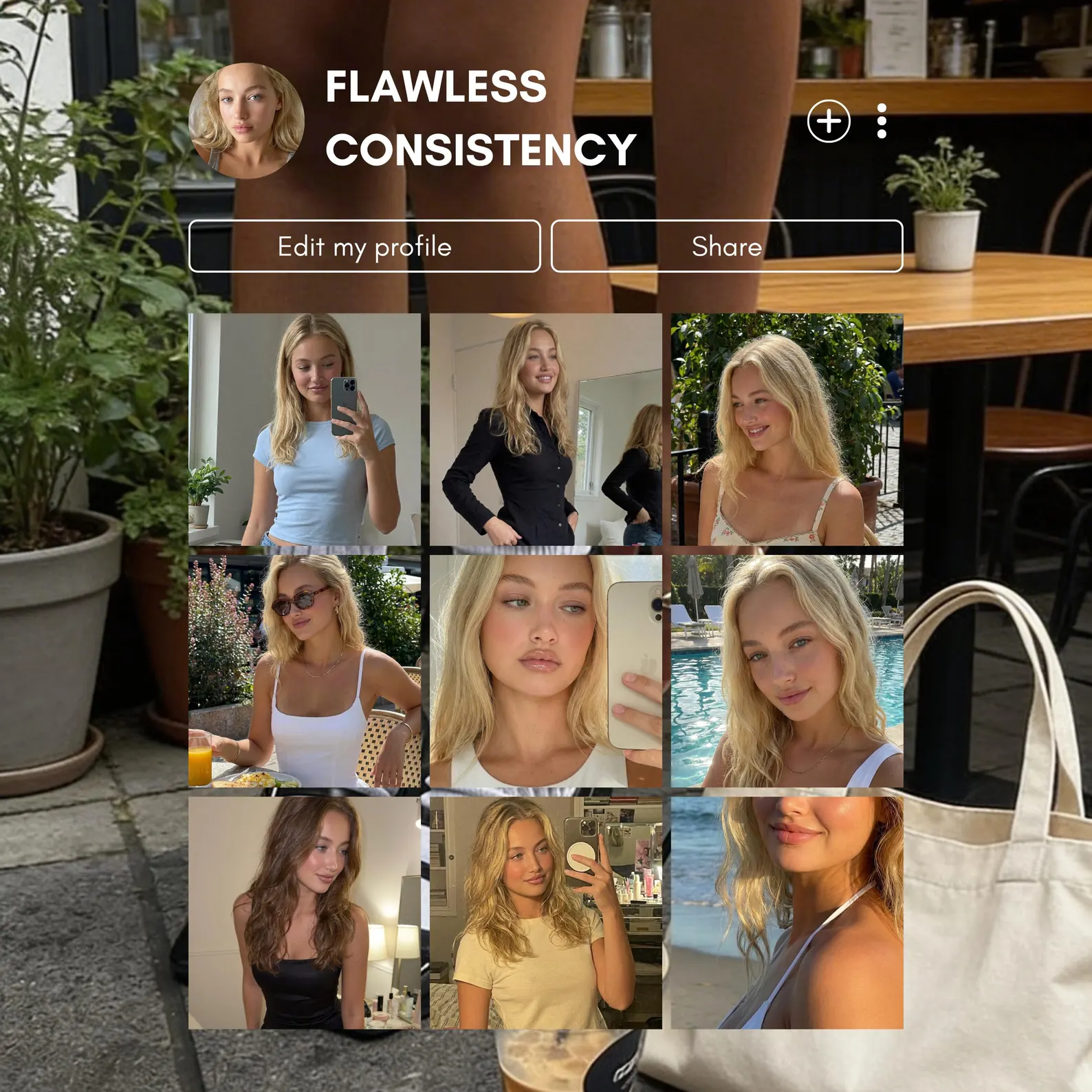
Illustrative examples. Your results depend on your generator, references, settings, and iteration.
The tell
Pores, stray hairs, uneven light. Learn to direct the details that make a portrait feel less generic.
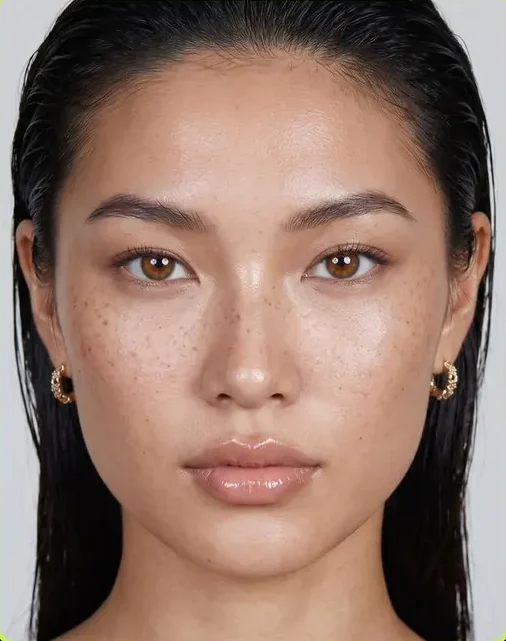
Light · texture · consistency. Illustrative examples; your results depend on your generator and settings.
Character lock
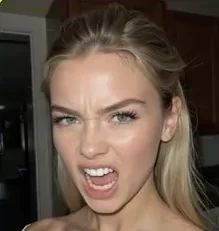
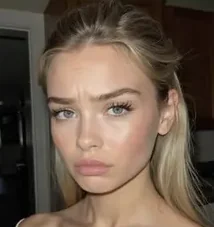
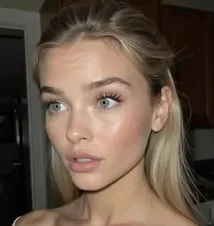
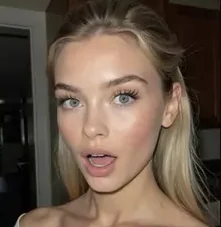
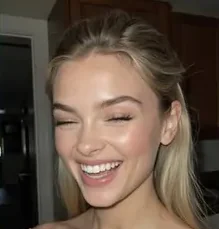
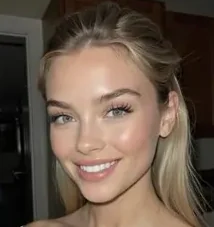
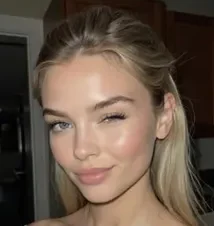
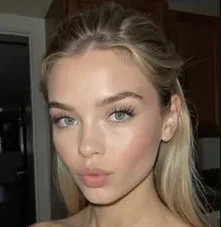
Keep one recognisable identity while changing the expression, setting, outfit and creative direction.
Built around what you create
From content creators to small teams: build a character, explore product visuals, or give your next campaign a consistent direction.
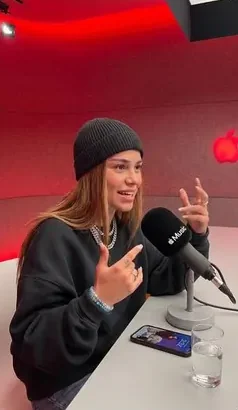
Build without showing your face.
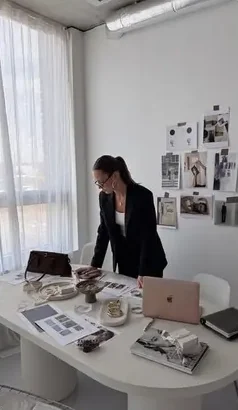
Create product-focused visuals.
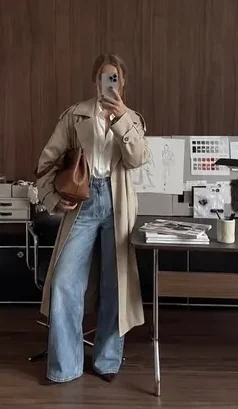
Keep brand content cohesive.
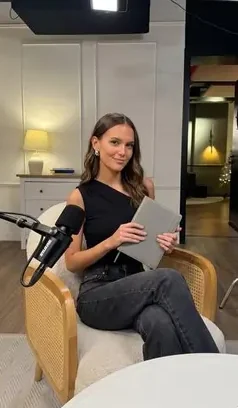
Develop campaign directions.
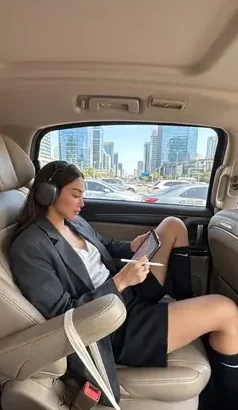
Plan content with structure.
The workspace
Not a list of prompts to copy blindly — a system with the reasoning attached, so you can build a character that isn't already on 10,000 other accounts.
Define the features, references, and anchor language you will reuse across scenes.
Start with a repeatable character brief.
Ready-to-run prompts for lifestyle, editorial, work, product and close-up shots.
A month of scene ideas, already written.
Step-by-step flows for the five formats: reels, short video, ads, pins, thumbnails.
One brief in, five deliverables out.
The lighting, skin and lens language that removes the plastic AI tell.
Make more deliberate visual choices.
How to package the character so a brand takes the pitch seriously.
Present your concept in a clearer, professional format.
Full worked examples — brief, prompt, output, and what was fixed between passes.
See the thinking, not just the result.
Look inside
A few pages from the toolkit, exactly as you'll get them.
TODO: paste the real prompt from a casebook
TODO: what was fixed between passes, from the same casebook.
Formats
Shoot once in the system, publish everywhere. No re-briefing per platform.
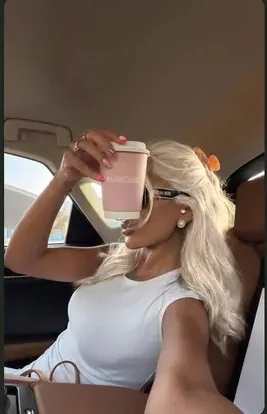
Vertical story
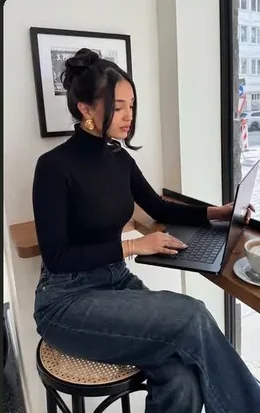
Motion format
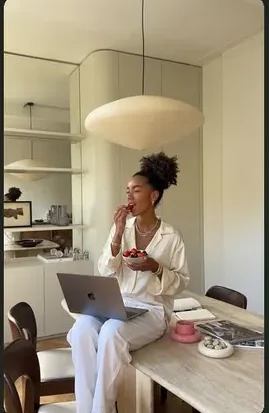
Campaign creative
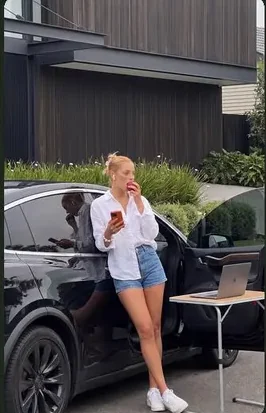
Saved content
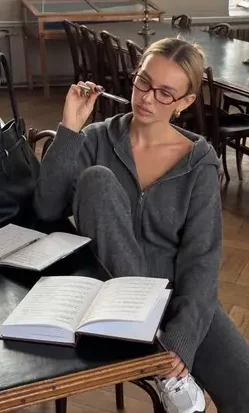
Clickable cover
One brief. More possibilities.
Take the same creative idea in different directions. Explore these campaign studies, then use the workflows to develop a direction of your own.
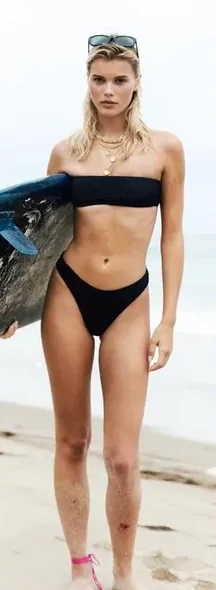

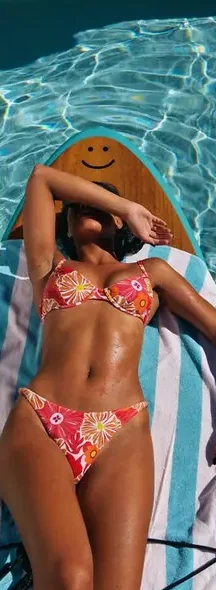

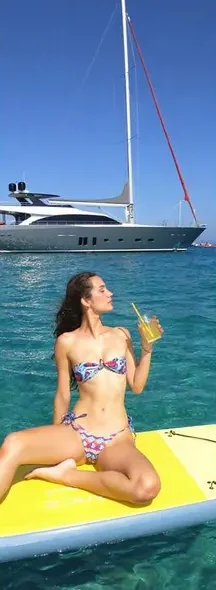

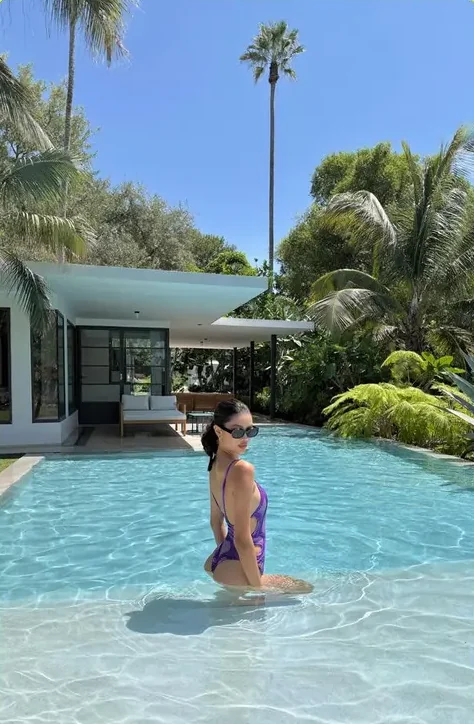
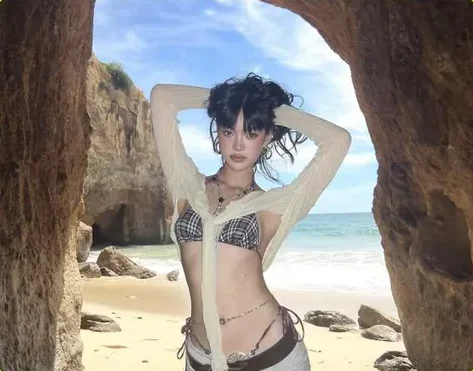
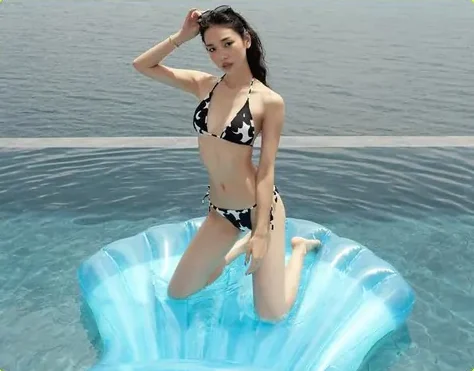
Explore styling, composition, and a more deliberate creative direction.
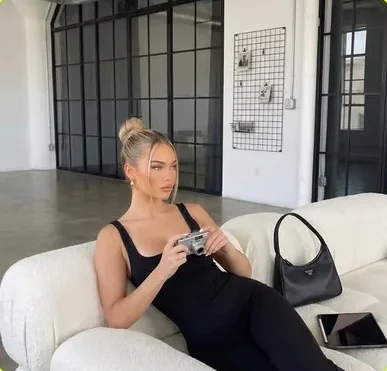

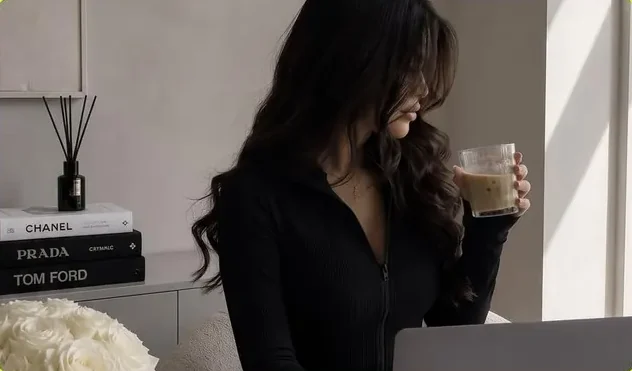
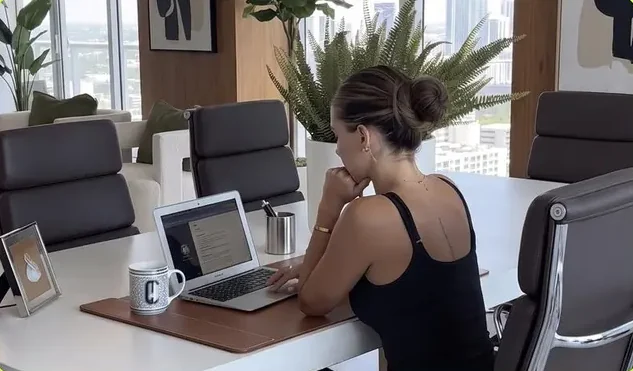
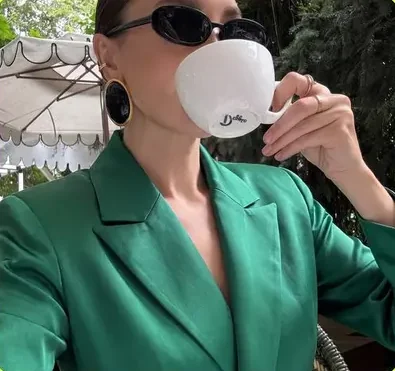

Bring your concept into work, lifestyle, and everyday content settings.
Six modules. One toolkit. $24.99, one time.
FROM BLANK PAGE TO A CLEAR PROCESS
Start small. Build a reference you like. Then create a series around it.
Get the creator system — $24.99 ↗Use the character-lock framework to set the features and visual direction.
Adapt a vault prompt with your character, setting, lighting, and format.
Use the casebooks to guide your iterations and save the choices that work.
Buyers
LESS GUESSWORK. MORE CREATING.
Give your ideas a process you can come back to. Get the framework, prompts, and worked examples in one digital toolkit.
AI creators building a visual identity. UGC sellers exploring content concepts. Small teams developing a campaign.
Bring access to your preferred AI generator. Generator subscriptions are separate. Results vary by tool and workflow.
Your repeatable starting point for AI content.
One payment. No recurring subscription.
Use your best email at checkout. See the delivery and refund terms before purchasing.
Who made this
TODO: two or three lines about who is behind Nova Frame and why they built it.
Questions before you buy? Email [TODO: contact email] and a real person will reply.
Before you buy
You need access to an image generator — Midjourney, Flux, Sora, Nano Banana or similar. The system is generator-agnostic: it teaches the structure that holds a character together, which you can adapt to your tool. Features and results vary between generators.
The prompts are there, but they're the smallest part. What you're buying is the character-lock structure, the workflows, and the casebooks showing what was changed between passes and why. Use the examples to understand the process, then adapt it to your own character.
The workflows run step by step, with worked examples to follow. You will still need to learn your chosen generator and experiment with its settings.
Yes — you get a commercial-use license for the content you create with the system. You just can't resell or republish the system files themselves.
A digital toolkit of prompts, workflows and worked examples, delivered by email after payment. Use the email address you want the files sent to at checkout.
Neither. Nova Frame is a downloadable learning toolkit with prompts, workflows, and reference material. You use it alongside your chosen AI generator. The $24.99 purchase is a one-time payment.
Not after the files are delivered — it's a digital product you keep permanently, so returns aren't possible. The one exception is a delivery failure, covered by the guarantee above. Read the Terms before you buy so there are no surprises.
Delivered by email · One-time payment · Commercial-use license
Not ready yet?
TODO: one line describing exactly what's in the free sample. We'll email it to you.